
Measured 26 October 2026 · all six tools
Figma MCP + Claude Code vs Weld
One Figma file, two builds, measured with the same checks. Figma’s MCP server lets a coding agent read a design file. We gave Claude Code the free Positivus template through it, kept the page it wrote, and measured it next to Weld’s build of the same frame. The catch: it also wrote 219 words of copy that appear nowhere in the design.
Design: Positivus Landing Page Design by Olga Averchenko, CC BY 4.0. Home frame, 1440px wide.
Where it’s strong
- The code is clean and easy to work with: semantic sections, a small theme, native
<details>for the process list, and real, labelled form fields. - Every image has alt text (43 of 43).
- No sideways scroll at any width we tested, from 320 to 1440px.
What you get out of the box
The things a client site needs that nobody should have to add by hand afterwards. Each line is checked in the page’s own code.
| Out of the box | Weld | Figma MCP + Claude Code |
|---|---|---|
| Writes no copy of its own | Yes: none added | No: 219 words added |
| Header, nav, main and footer landmarks | No: no main | No: no main |
| One h1, no skipped heading levels | –not measured | –not measured |
| Every form field labelled | –not measured | –not measured |
| Alt text on every image | No: 51 of 76 | Yes: 43 of 43 |
| Sharp images on retina screens (2×) | –not measured | –not measured |
| Page language set | Yes: yes | Yes: yes |
| Images shipped with the page | Yes: in the download | Yes: in the download |
| No sideways scroll, 320 to 1440px | Yes: none at any width | Yes: none at any width |
It wrote copy the design doesn’t have
219 words on its page appear nowhere in the design. The design only writes the answer for the first step of its process list and repeats a single testimonial; Claude Code filled the gaps with text of its own. On a client site, that is copy nobody approved.
Weld leaves those empty steps without a toggle and lists them in the download’s notes, rather than writing answers for you.
A few of the lines it wrote:
“We conduct in-depth market and competitor research, then build a tailored strategy designed to reach your target audience and achieve your…”
“Our team puts the strategy into action — launching campaigns, optimizing assets, and setting up the tools needed to track performance from…”
“We continuously monitor results and refine your campaigns — adjusting targeting, creative, and spend to maximize return on investment.”
“Transparent, regular reporting keeps you informed on progress and results, with clear communication every step of the way.”
The numbers
| Tool | Font sizes match the design texts, at 1440px |
Spacing within 4px gaps between texts |
Sideways scroll | Words not in the design | Images with alt text | Images served from | ||
|---|---|---|---|---|---|---|---|---|
| phone 390px |
laptop 1024px |
laptop 1240px |
||||||
| Weld | 67 of 67 | 65 of 66 | none | none | none | none | 51 of 76 | its own folder |
| Figma MCP + Claude Code | 35 of 66 | 32 of 65 | none | none | none | 219 | 43 of 43 | its own folder |
How closely it follows the design
Font sizes match the design on 35 of 66 texts, against 67 of 67 for Weld.
Most of the misses are body text and buttons set at 18px where the design says 20px.
32 of 65 vertical gaps are within 4px of the design, with a typical miss of 7px. Weld: 65 of 66.
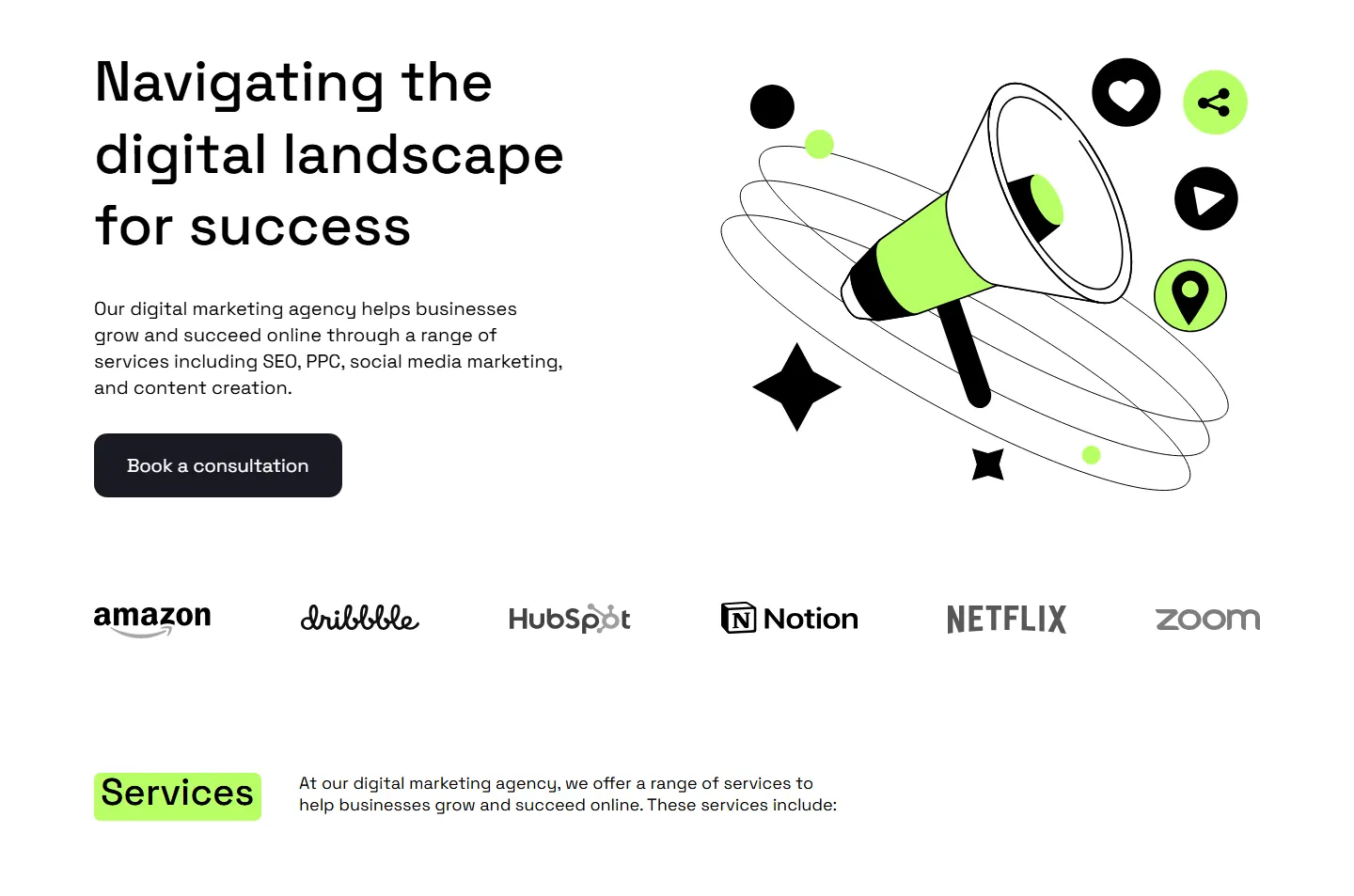
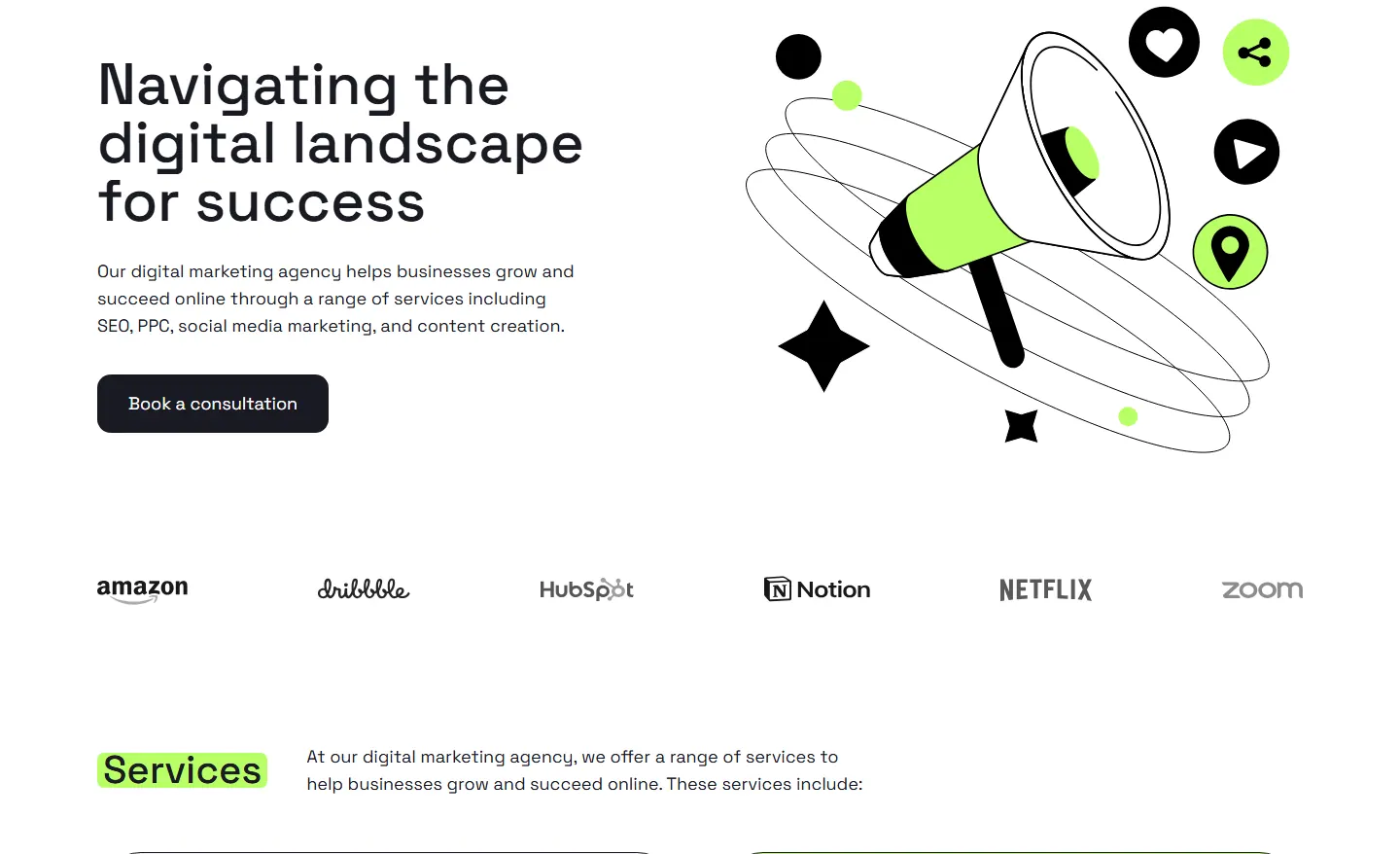
The hero at 1440px. Drag the handle: Claude Code’s page on the left, the design on the right.
At other widths
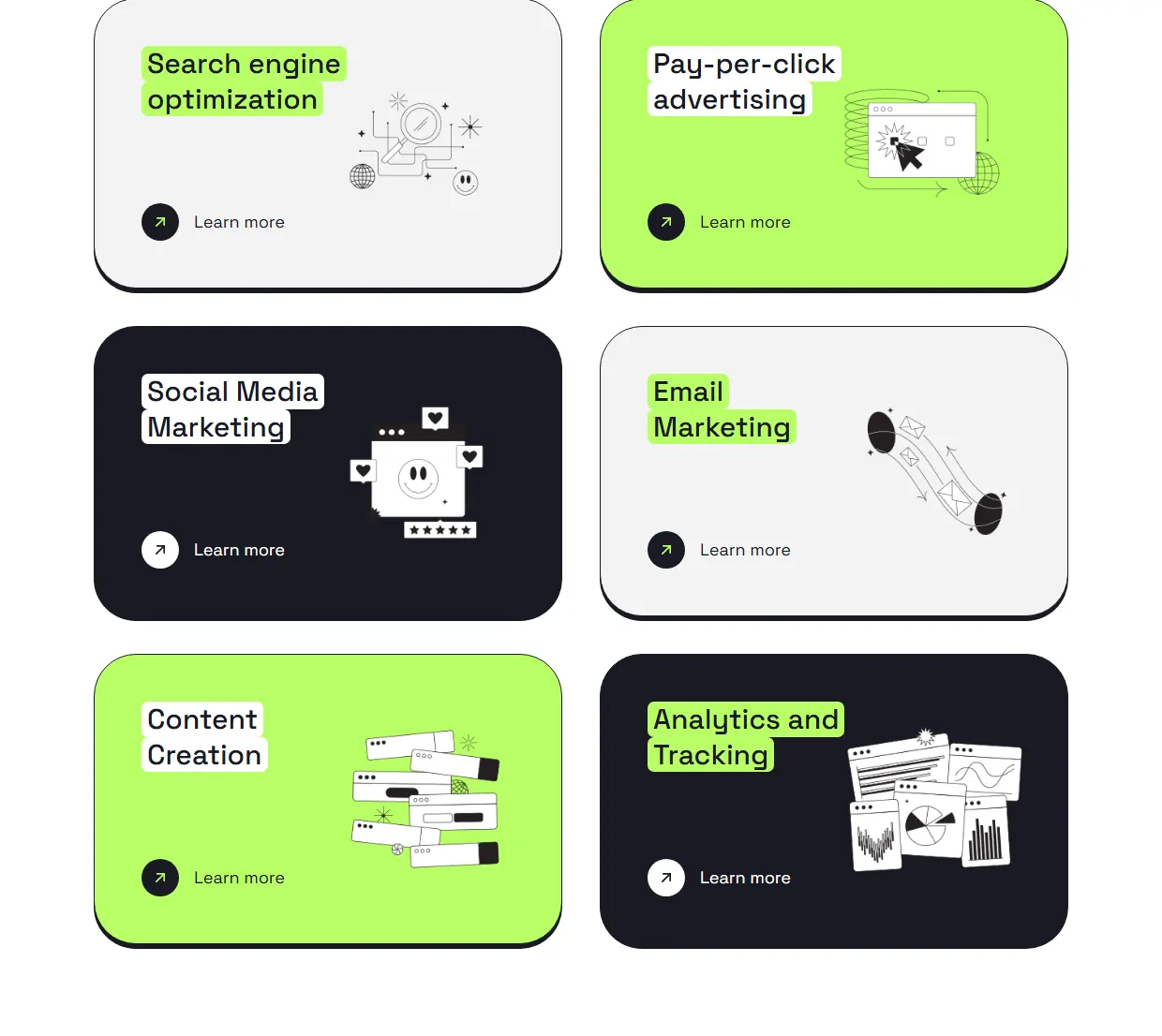
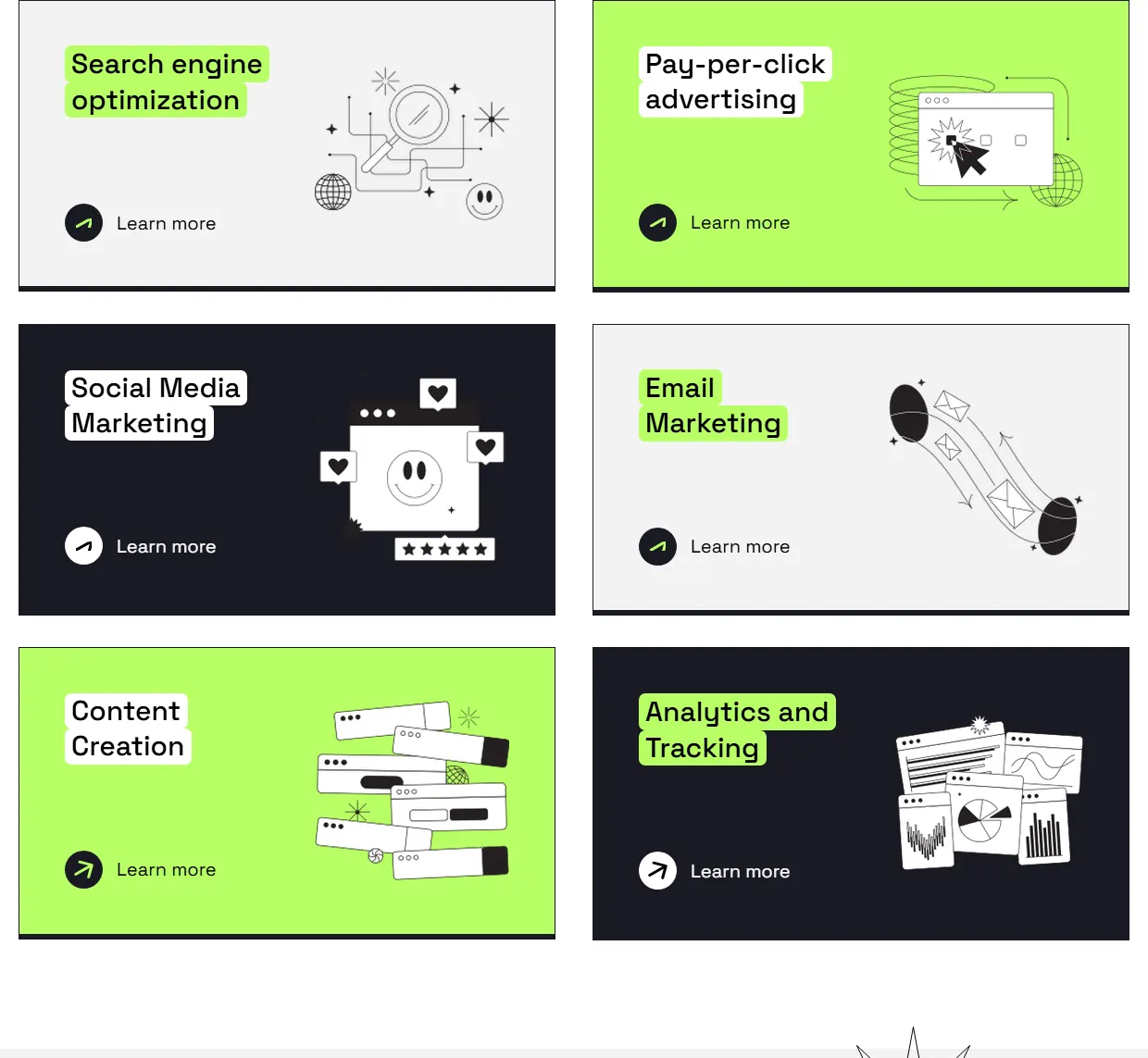
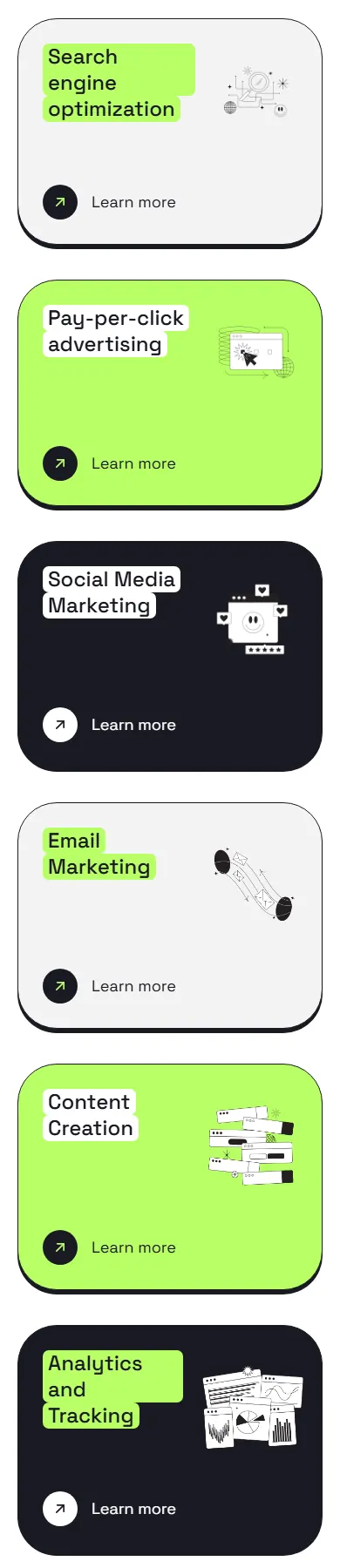
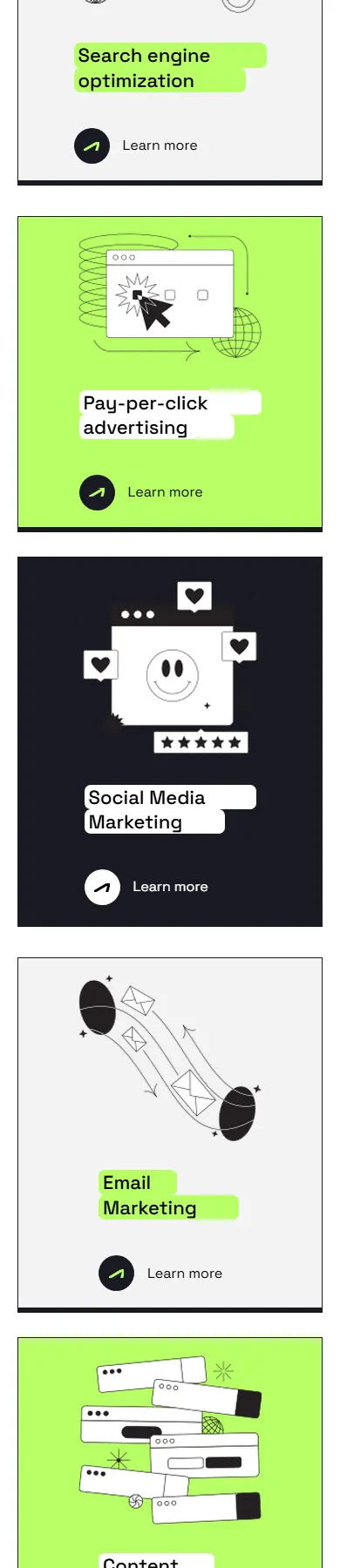
The same sections on a laptop (1240px) and a phone (390px).
Laptop, 1240px


Phone, 390px


Where it restyled the design
It rebuilt two parts of the page its own way instead of copying them from the design.
The radio buttons
The design draws its own radio buttons: a white circle with a thin black outline and a green dot, with labels at 18px. Claude Code swapped in the browser’s own radio control, tinted green, so it looks different in every browser, and set the labels at 16px.
To be fair to it: a native control works with a keyboard and screen readers without any extra effort.
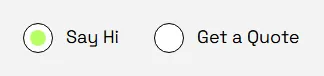
- Drawn circle, 28 × 28 px, 1px #000000 outline, 16 px dot in #B9FF66
- Label text 18 px
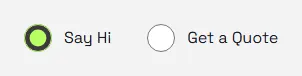
- The browser’s own radio control, tinted #B9FF66
- Label text 16 px
- Arrow keys change the choice
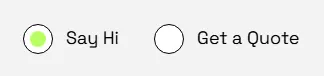
- Drawn circle, 28 × 28 px, 1px #000000 outline, 16 px dot in #B9FF66
- Label text 18 px
- Arrow keys do nothing
The testimonials
The design sets each quote in its own speech-bubble artwork, 606px wide, and shows the row mid-scroll with the neighbouring quotes cut off at both edges. Claude Code redrew the bubble in CSS, a rounded border with a rotated square for the tail, at 560px, and starts the row at the first card.
The dots under the quotes are a single picture, so they stay the same when you move to the next quote.

- Speech bubble: design artwork (image), 606 px wide
- Bubble tail: in the artwork
- First view: centred, neighbours cut
- Arrows: image file
- Dots: one image
- 1 different quote

- Speech bubble: CSS border, 560 px wide
- Bubble tail: CSS rotated square
- First view: first card at left
- Arrows: inline SVG
- Dots: one image, do not change when you move on
- 3 different quotes

- First view: centred, neighbours cut
- Arrows: image file
- Dots: 3 separate dots, follow the slide
- 1 different quote
Try Weld’s page yourself
This is the page Weld built from the same file, live. Resize it and watch it reflow.
Drag the frame’s bottom-right corner to resize it, or open the page on its own and resize your browser.
How this was run
Figma MCP + Claude Code
- Run on
- 26 October 2026
- Output used
- index.html + assets/ written by the coding agent
Measured exactly as delivered: nothing changed.
Weld
- Output used
- the zip a Weld user downloads, unchanged
- Built
- 26 October 2026
- Generator version
- 6de49e4
Measured exactly as delivered: nothing changed.
Download both outputs
- Weld output zip, 373 KB, sha256
11d0bf2965cd7dba… - Figma MCP + Claude Code output zip, 416 KB, sha256
e0a5e3736d6a52e6… - All measurements (results.json) CC BY 4.0: reuse them with a link back
The other tools on the same file
| Tool | Font sizes match the design texts, at 1440px |
Spacing within 4px gaps between texts |
Sideways scroll | Words not in the design | Images with alt text | Images served from | ||
|---|---|---|---|---|---|---|---|---|
| phone 390px |
laptop 1024px |
laptop 1240px |
||||||
| Weld | 67 of 67 | 65 of 66 | none | none | none | none | 51 of 76 | its own folder |
| Figma MCP + Claude Code | 35 of 66 | 32 of 65 | none | none | none | 219 | 43 of 43 | its own folder |
| Anima | 67 of 67 | 58 of 66 | 1,050 px | 416 px | 200 px | none | 0 of 59 | c.animaapp.com |
| Codia | 68 of 68 | 56 of 67 | 1,058 px | 424 px | 208 px | none | no <img> tags | static.codia.ai |
| Locofy | 67 of 67 | 40 of 66 | 1,050 px | 641 px | 425 px | 20 | 60 of 60 | its own folder |
| FigmaToCode | 2 of 68 | 35 of 67 | 28,191 px | 27,557 px | 27,341 px | 178 | no <img> tags | its own folder |
| CopyWeb | Could not produce a page to measure. | |||||||
Want your own file measured like this?
Weld’s beta is opening soon. Register and we’ll email you once, when you can upload a file and get the finished page with these checks run on it.