
Measured 26 October 2026 · all six tools
FigmaToCode vs Weld
One Figma file, two builds, measured with the same checks. FigmaToCode is an open-source plugin that turns a Figma selection into code. We ran its HTML output on the free Positivus template’s Home frame and measured the page next to Weld’s build of the same frame. It can also write code for other frameworks, which this test doesn’t cover.
Design: Positivus Landing Page Design by Olga Averchenko, CC BY 4.0. Home frame, 1440px wide.
Where it’s strong
- Open source (GPL-3.0) and runs inside Figma, with no account needed.
- Text colours come through exactly: 68 of 68 texts match the design.
What you get out of the box
The things a client site needs that nobody should have to add by hand afterwards. Each line is checked in the page’s own code.
| Out of the box | Weld | FigmaToCode |
|---|---|---|
| Writes no copy of its own | Yes: none added | No: 178 words added |
| Header, nav, main and footer landmarks | No: no main | No: no header, nav, main, footer |
| One h1, no skipped heading levels | –not measured | –not measured |
| Every form field labelled | –not measured | –not measured |
| Alt text on every image | No: 51 of 76 | No: no <img> tags |
| Sharp images on retina screens (2×) | –not measured | –not measured |
| Page language set | Yes: yes | No: no |
| Images shipped with the page | Yes: in the download | Yes: in the download |
| No sideways scroll, 320 to 1440px | Yes: none at any width | No: up to 28,261 px |
The numbers
| Tool | Font sizes match the design texts, at 1440px |
Spacing within 4px gaps between texts |
Sideways scroll | Words not in the design | Images with alt text | Images served from | ||
|---|---|---|---|---|---|---|---|---|
| phone 390px |
laptop 1024px |
laptop 1240px |
||||||
| Weld | 67 of 67 | 65 of 66 | none | none | none | none | 51 of 76 | its own folder |
| FigmaToCode | 2 of 68 | 35 of 67 | 28,191 px | 27,557 px | 27,341 px | 178 | no <img> tags | its own folder |
How closely it follows the design
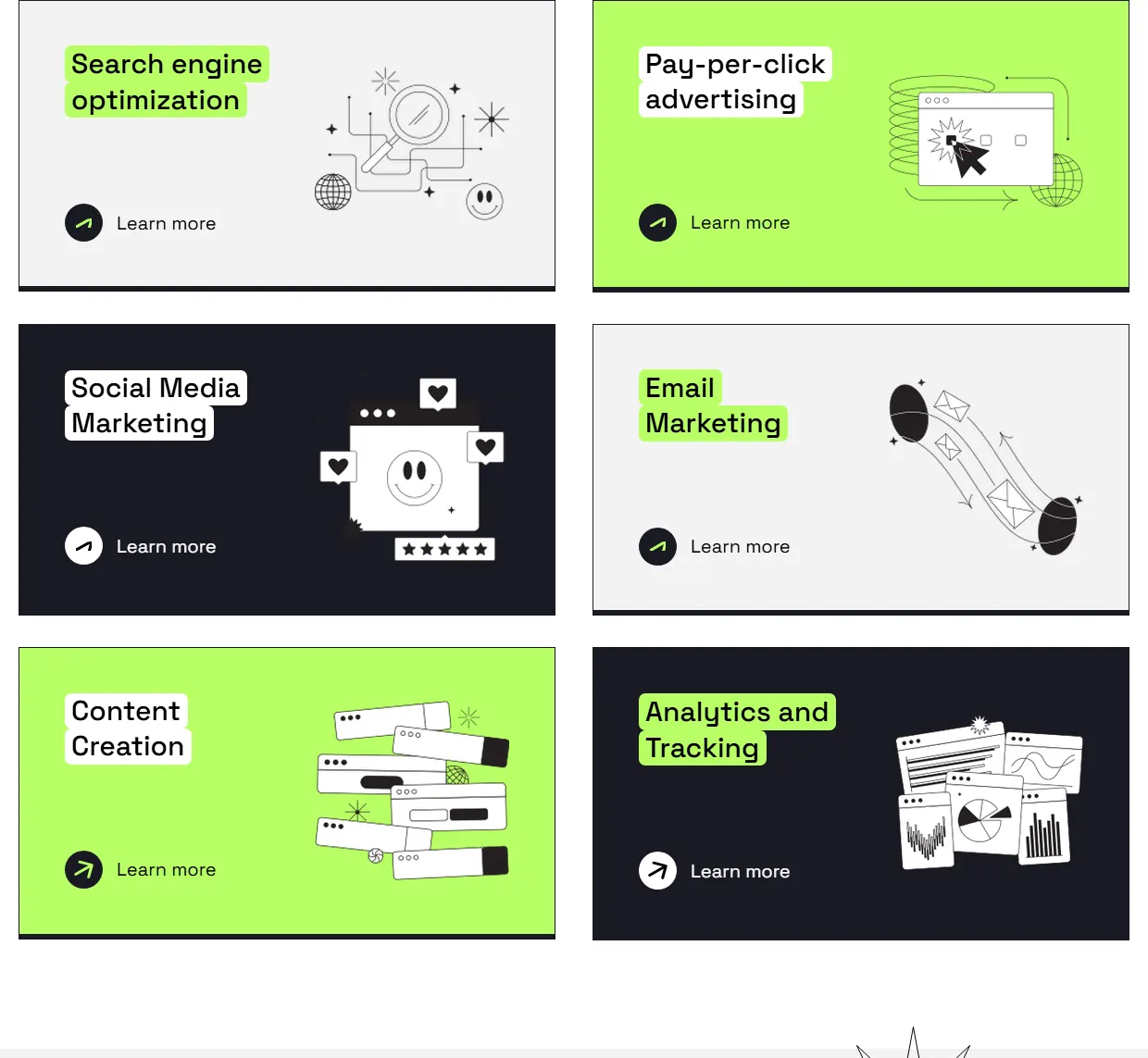
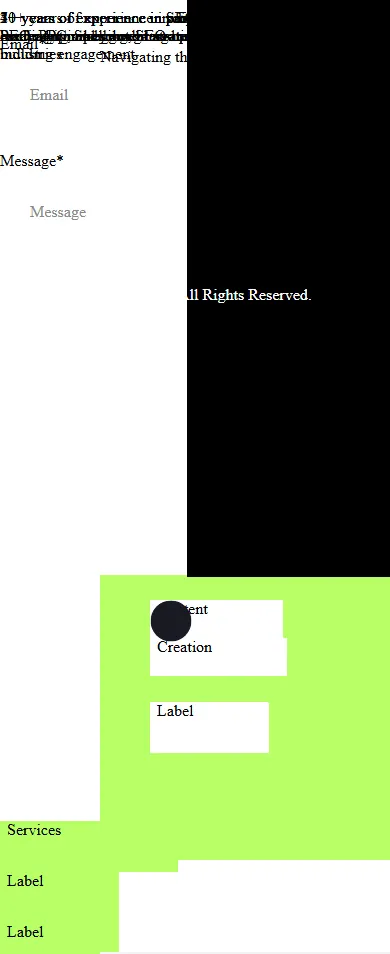
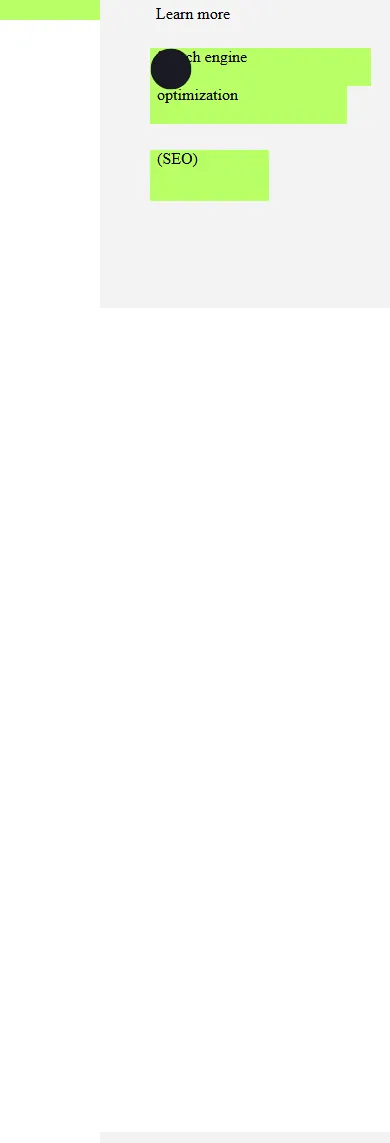
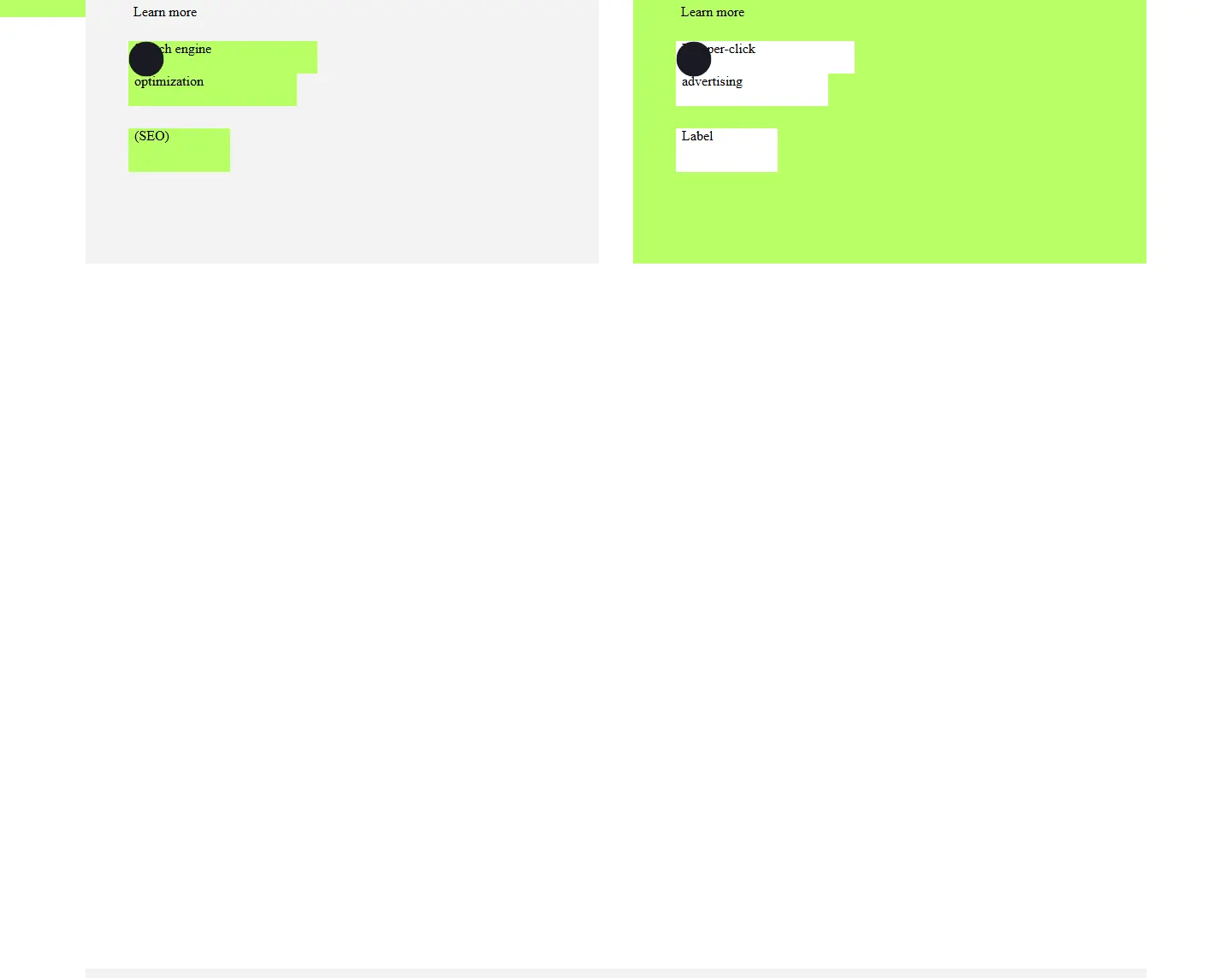
At 1440px the page doesn’t hold together: sections land on top of each other, and the design’s font never loads, so text falls back to the browser’s default serif. Font sizes match on 2 of 68 texts; most come out at 16px.
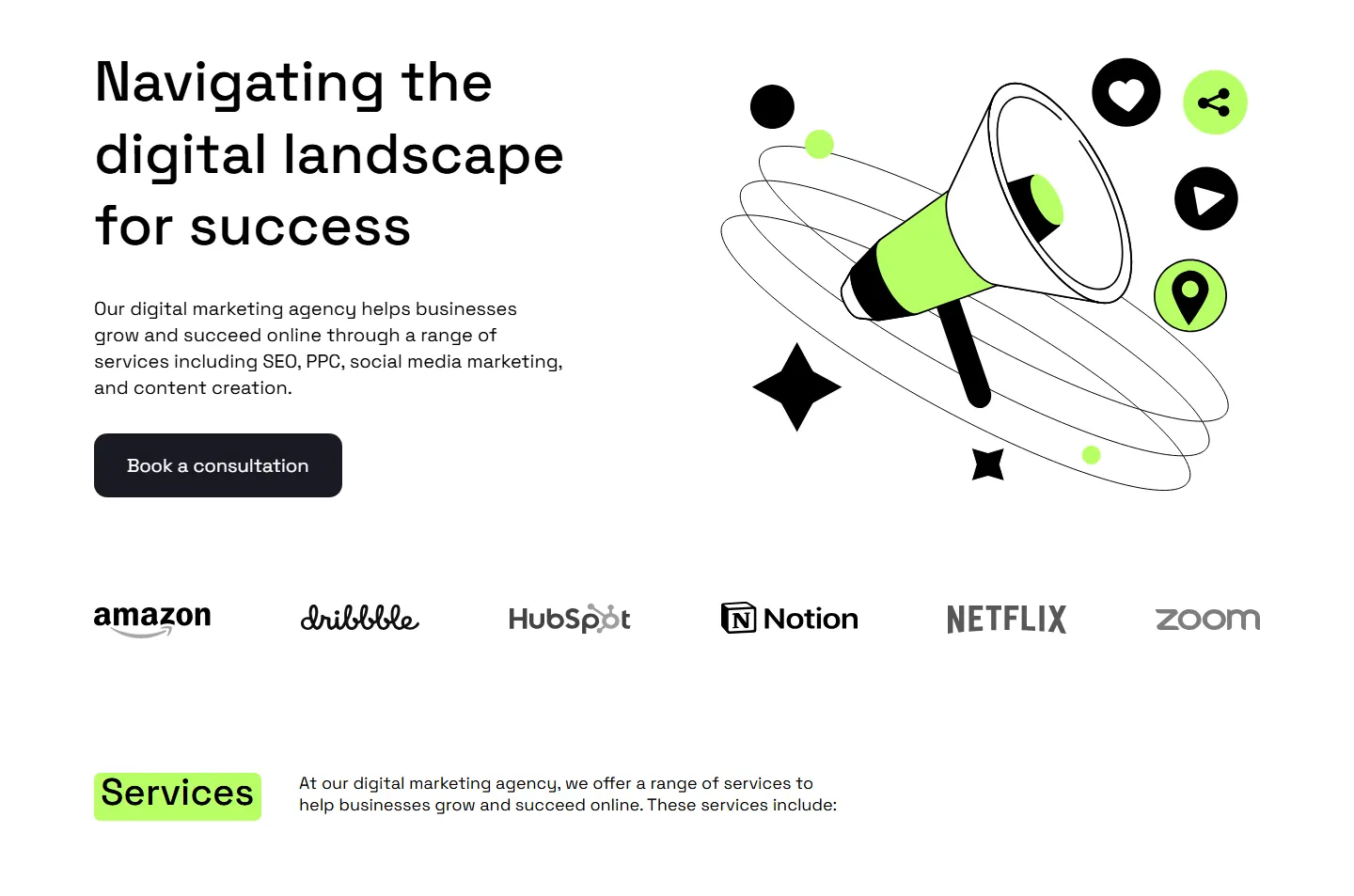
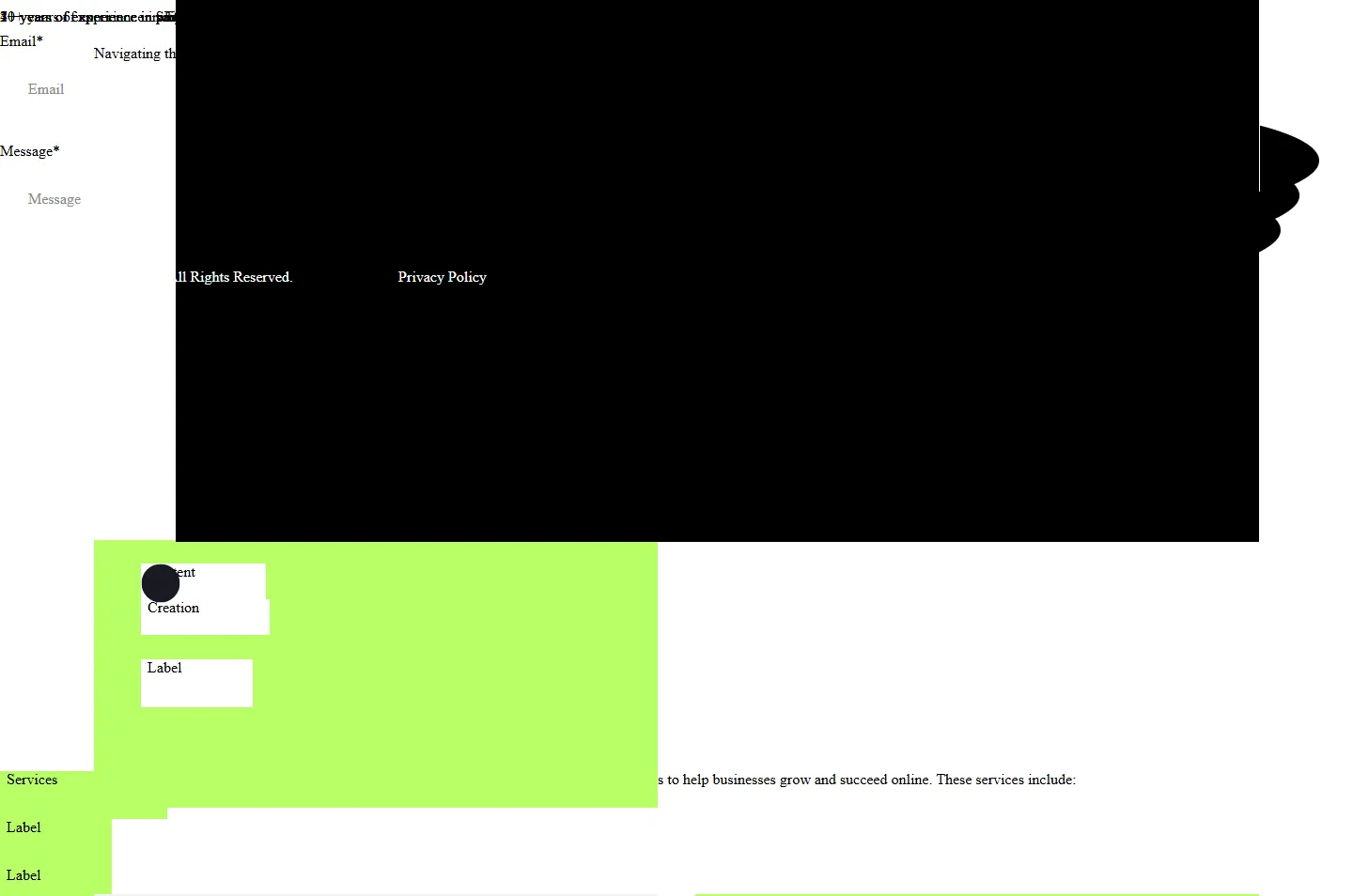
The hero at 1440px. Drag the handle: FigmaToCode’s page on the left, the design on the right.
At other widths
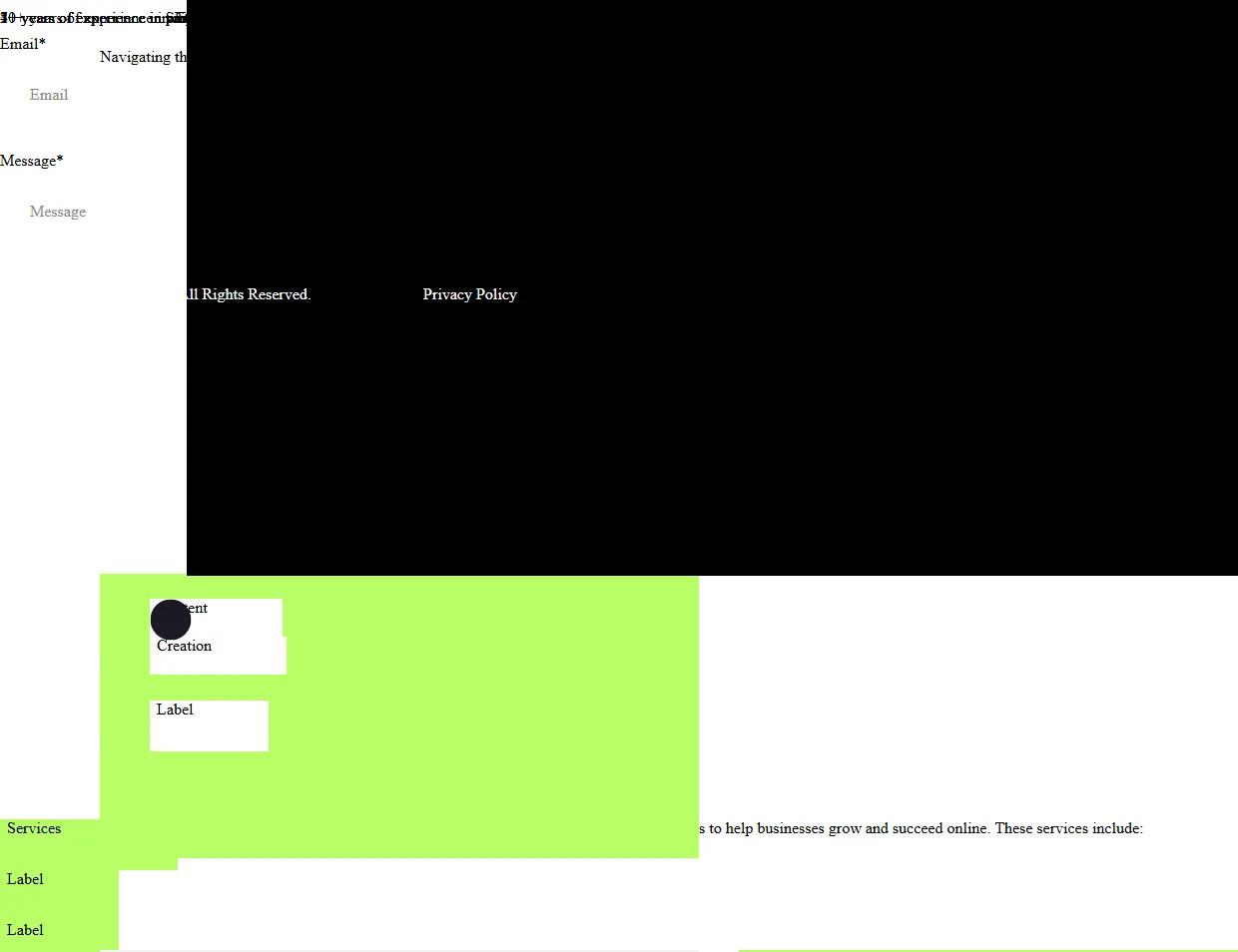
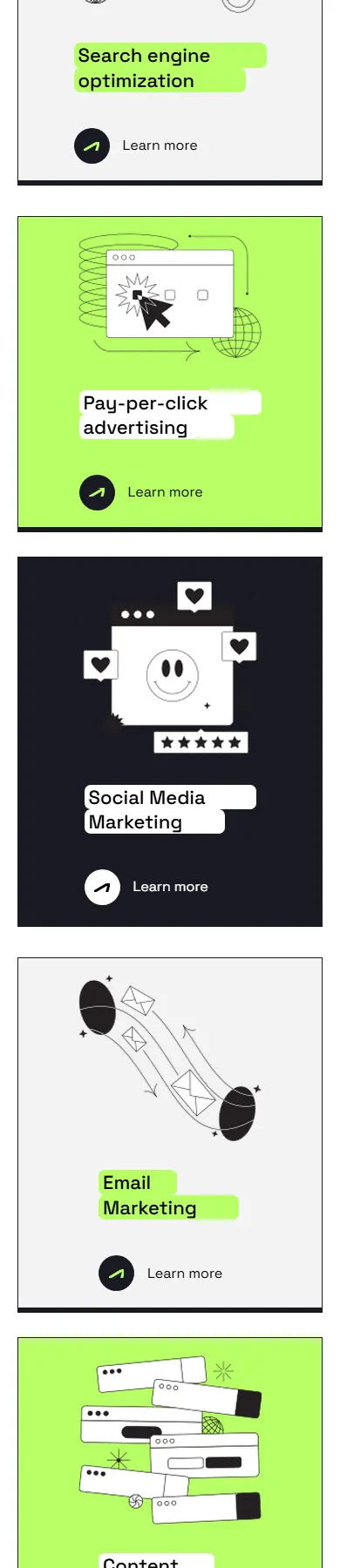
The same sections on a laptop (1240px) and a phone (390px).
The page is far wider than any screen: 28,191px of sideways scroll on a phone, and 27,141px even at 1440px.
Weld’s page has no sideways scroll at any width we tested, from 320 to 1440px.
Laptop, 1240px

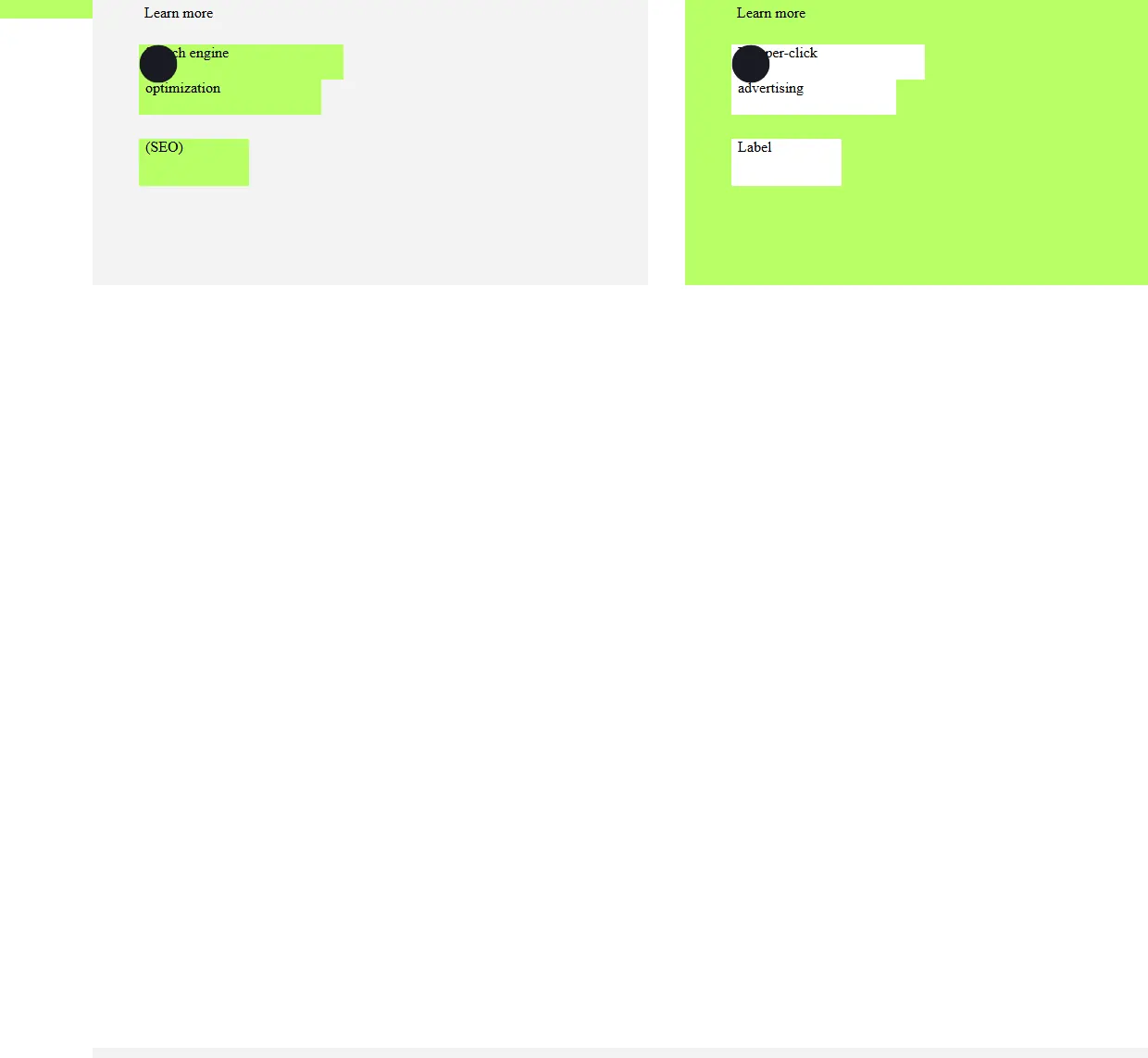
Phone, 390px

Placeholders instead of content
Images come out as url('getBytesAsync') placeholders, so none of them appear.
Some colours are written as background-color: undefined, which a browser ignores.
The placeholder word ‘Label’ appears 24 times.
No structure to work with
Weld’s page has 1 h1 heading, 26 h2 headings, 19 sections and 31 links.
Try Weld’s page yourself
This is the page Weld built from the same file, live. Resize it and watch it reflow.
Drag the frame’s bottom-right corner to resize it, or open the page on its own and resize your browser.
How this was run
FigmaToCode
- Run on
- 26 October 2026
- Output used
- HTML output pasted from the plugin
What we changed so we could open and measure it
- The plugin's HTML output is a bare <div> fragment. We wrapped it in a minimal document (doctype, UTF-8, mobile viewport tag, body margin 0) so it can be opened as a page.
- We moved the outer frame from its Figma canvas position (left: 18404px; top: 4423px) to the top-left of the page. Nothing else was changed.
Weld
- Output used
- the zip a Weld user downloads, unchanged
- Built
- 26 October 2026
- Generator version
- 6de49e4
Measured exactly as delivered: nothing changed.
Download both outputs
- Weld output zip, 373 KB, sha256
11d0bf2965cd7dba… - FigmaToCode output zip, 7 KB, sha256
3b31c39987c074d4… - All measurements (results.json) CC BY 4.0: reuse them with a link back
The other tools on the same file
| Tool | Font sizes match the design texts, at 1440px |
Spacing within 4px gaps between texts |
Sideways scroll | Words not in the design | Images with alt text | Images served from | ||
|---|---|---|---|---|---|---|---|---|
| phone 390px |
laptop 1024px |
laptop 1240px |
||||||
| Weld | 67 of 67 | 65 of 66 | none | none | none | none | 51 of 76 | its own folder |
| Figma MCP + Claude Code | 35 of 66 | 32 of 65 | none | none | none | 219 | 43 of 43 | its own folder |
| Anima | 67 of 67 | 58 of 66 | 1,050 px | 416 px | 200 px | none | 0 of 59 | c.animaapp.com |
| Codia | 68 of 68 | 56 of 67 | 1,058 px | 424 px | 208 px | none | no <img> tags | static.codia.ai |
| Locofy | 67 of 67 | 40 of 66 | 1,050 px | 641 px | 425 px | 20 | 60 of 60 | its own folder |
| FigmaToCode | 2 of 68 | 35 of 67 | 28,191 px | 27,557 px | 27,341 px | 178 | no <img> tags | its own folder |
| CopyWeb | Could not produce a page to measure. | |||||||
Want your own file measured like this?
Weld’s beta is opening soon. Register and we’ll email you once, when you can upload a file and get the finished page with these checks run on it.