
.fig file to HTML
Got a .fig file? Turn it into HTML without Figma access
A client sent you the design, but not edit rights. Plugin tools need those; Weld doesn’t. Upload the .fig and get the finished page as responsive HTML and Tailwind.
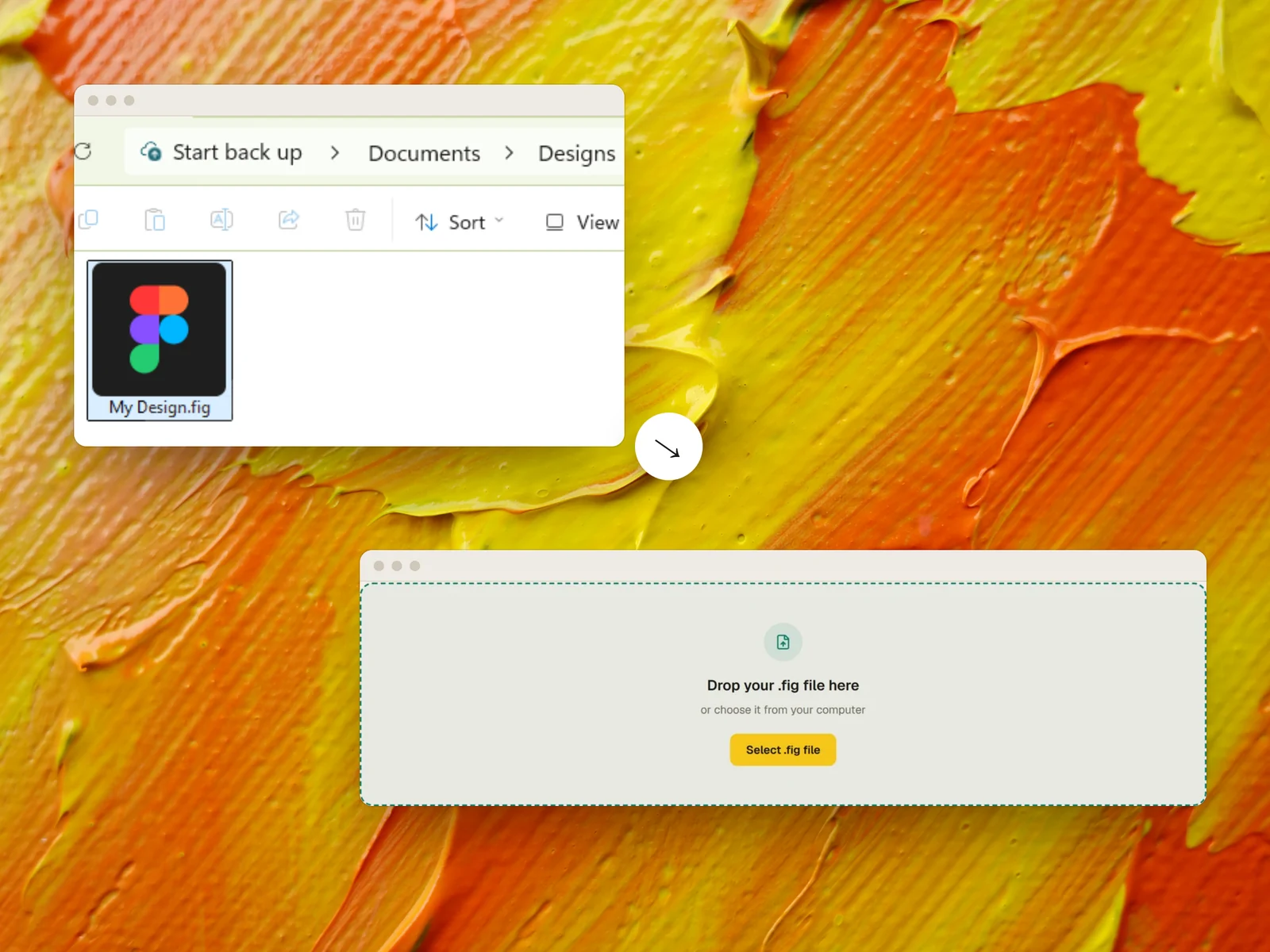
View access is enough. Anyone who can view a Figma file can save a .fig from it, unless the owner has turned exporting off.
When the design arrives as a file
The client won’t add you to their Figma
Their organisation keeps editors to a minimum, so you got view access, or just a file.
The access expired
The link worked last month. Now it asks you to request access, and whoever could grant it is busy.
The designer has moved on
The file is what’s left of the project, and nobody can reach the original.
It’s an archived project
A finished design, saved as a .fig, that now needs a page built from it.
Plugins need edit access. A file doesn’t
Most Figma to code tools run as Figma plugins, and Figma only lets people with edit access run plugins on a file, because a plugin can change it. Other tools work from a live Figma link, or need a paid Figma seat. If all you have is view access or a file, they’re closed to you.
Weld reads the .fig file itself. It doesn’t need the original Figma file, an account in the client’s organisation or a link that stays live, and it never touches the client’s copy.
- 1
With view access
Open the file in Figma and choose File → Save local copy. View access is enough.
- 2
Without access
Ask the client to do the same and send you the .fig. It’s one menu item for them.
- 3
Upload it
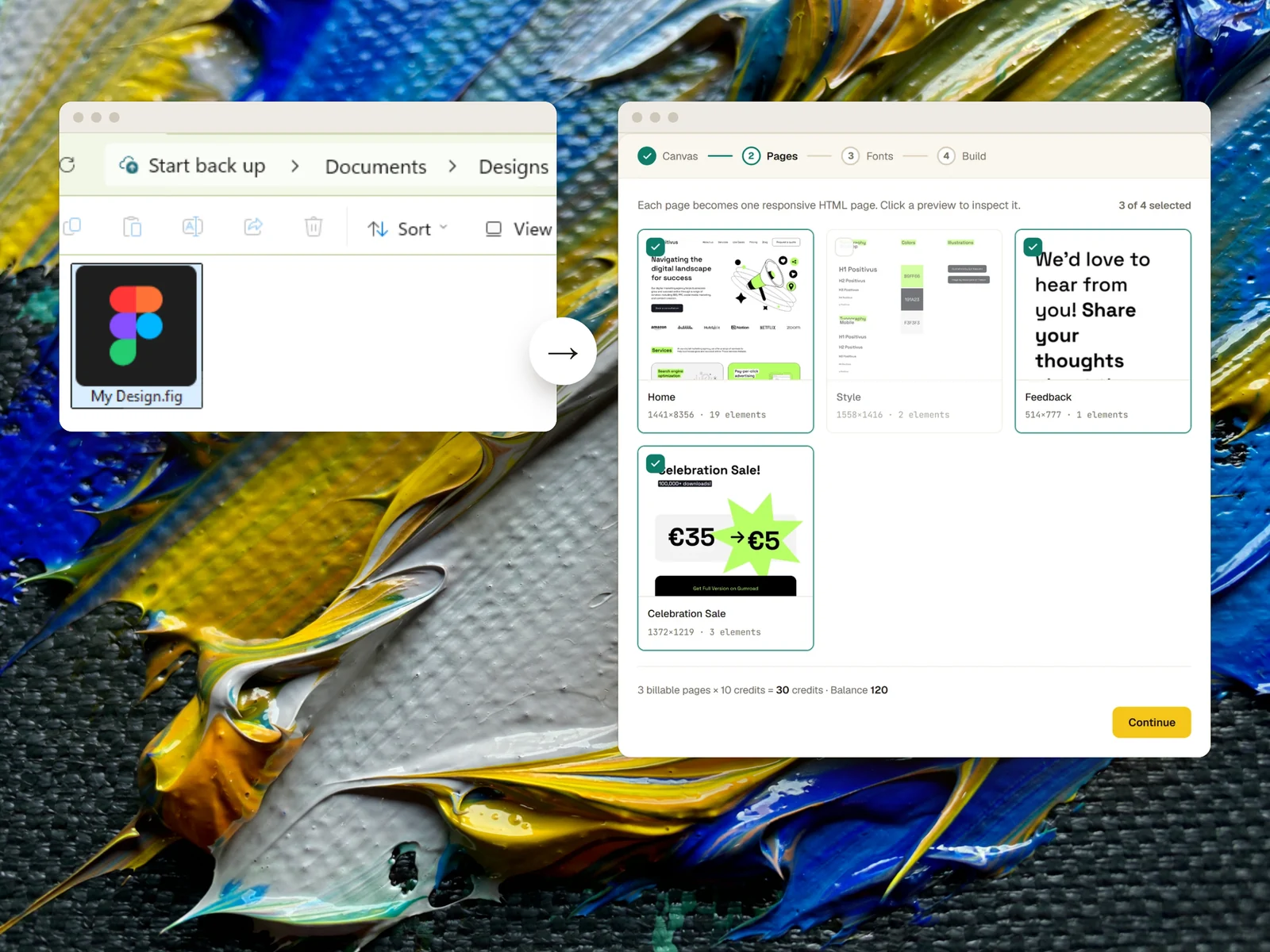
Drop the .fig into Weld. It finds the pages and fonts and shows the cost before anything runs.
- 4
Download the page
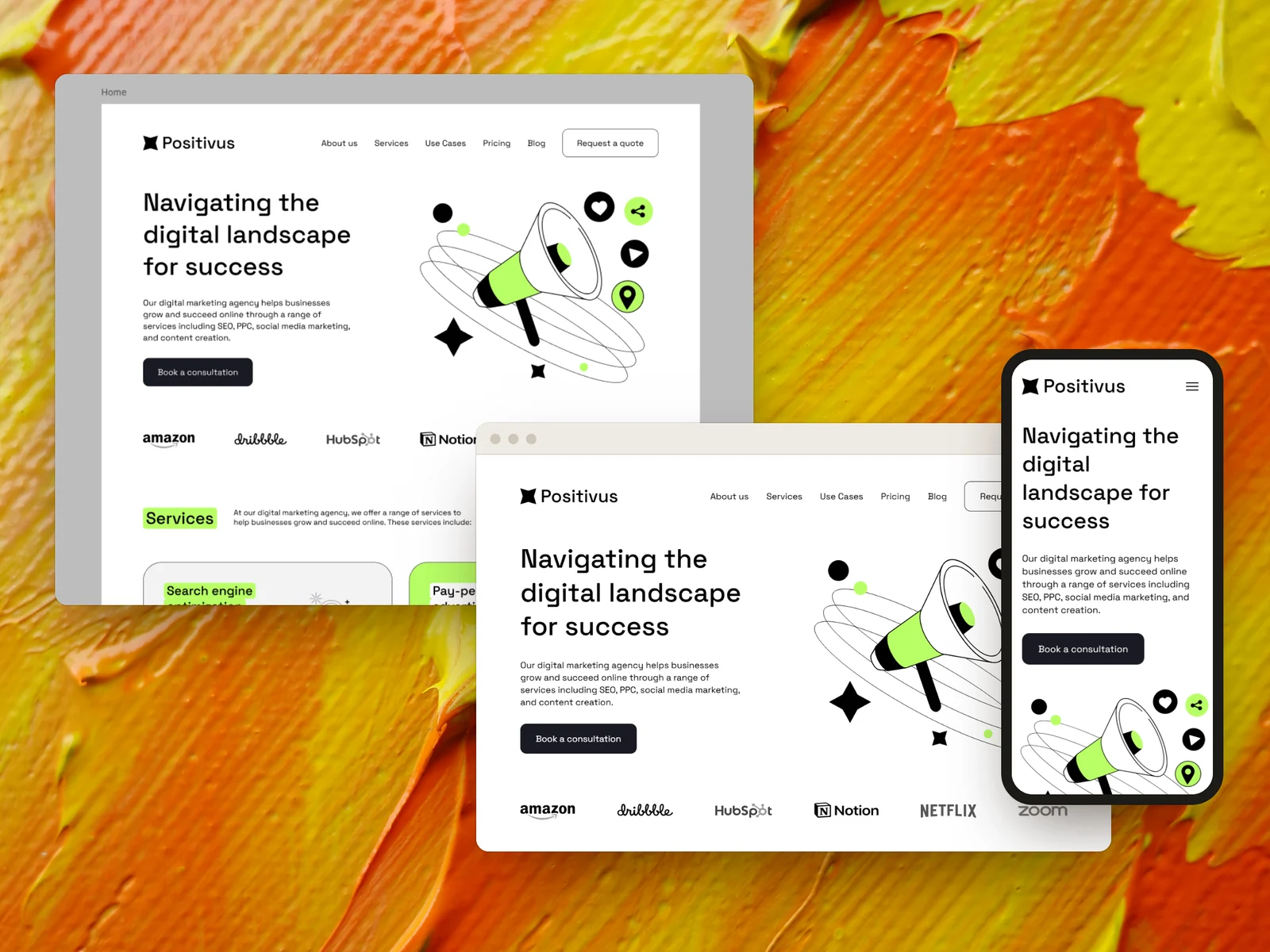
Responsive HTML and Tailwind with the assets and fonts resolved, ready to hand over.
One boundary: on paid Figma plans, a file’s owner can stop viewers copying and exporting. If that’s switched on, the owner has to save the .fig for you.
The client gets the page they approved
Hand back responsive HTML and Tailwind built from the file they sent, with the fonts and images resolved and alt text written.
What to expect
- Weld needs the .fig file itself. A Figma link on its own isn’t enough.
- If the owner has turned off export for viewers, only the owner can produce the .fig.
- Well-structured Figma files convert best, and you don’t always get to choose how your client built theirs.
Questions
What is a .fig file?
Figma’s own file format: a complete copy of a design file, with every page, frame, component and image. Figma creates one when you choose File → Save local copy.
Can I open a .fig file without Figma?
Not as an editable design: Figma is what opens it, and you can import it into your own Figma account, free plan included. Weld reads the file directly to build the web page, so you don’t need to open it at all.
Is a .fig the same as a Figma link?
No. A link points at the live file in someone’s Figma account and only works while you have access. A .fig is a copy you hold.
Does the client’s original file change?
No. Weld reads only the copy you upload. The client’s Figma file is never opened or modified.
Keep reading
Build from the file you were sent
Weld is opening its beta soon. Register and we’ll email you once, when it opens. The questions are optional.