
Responsive Figma to HTML
Figma to responsive HTML, from your desktop and mobile frames
Pick the desktop frame and the mobile frame you already drew. Weld builds one page that reflows between them, with real breakpoints instead of a desktop page shrunk to fit a phone.
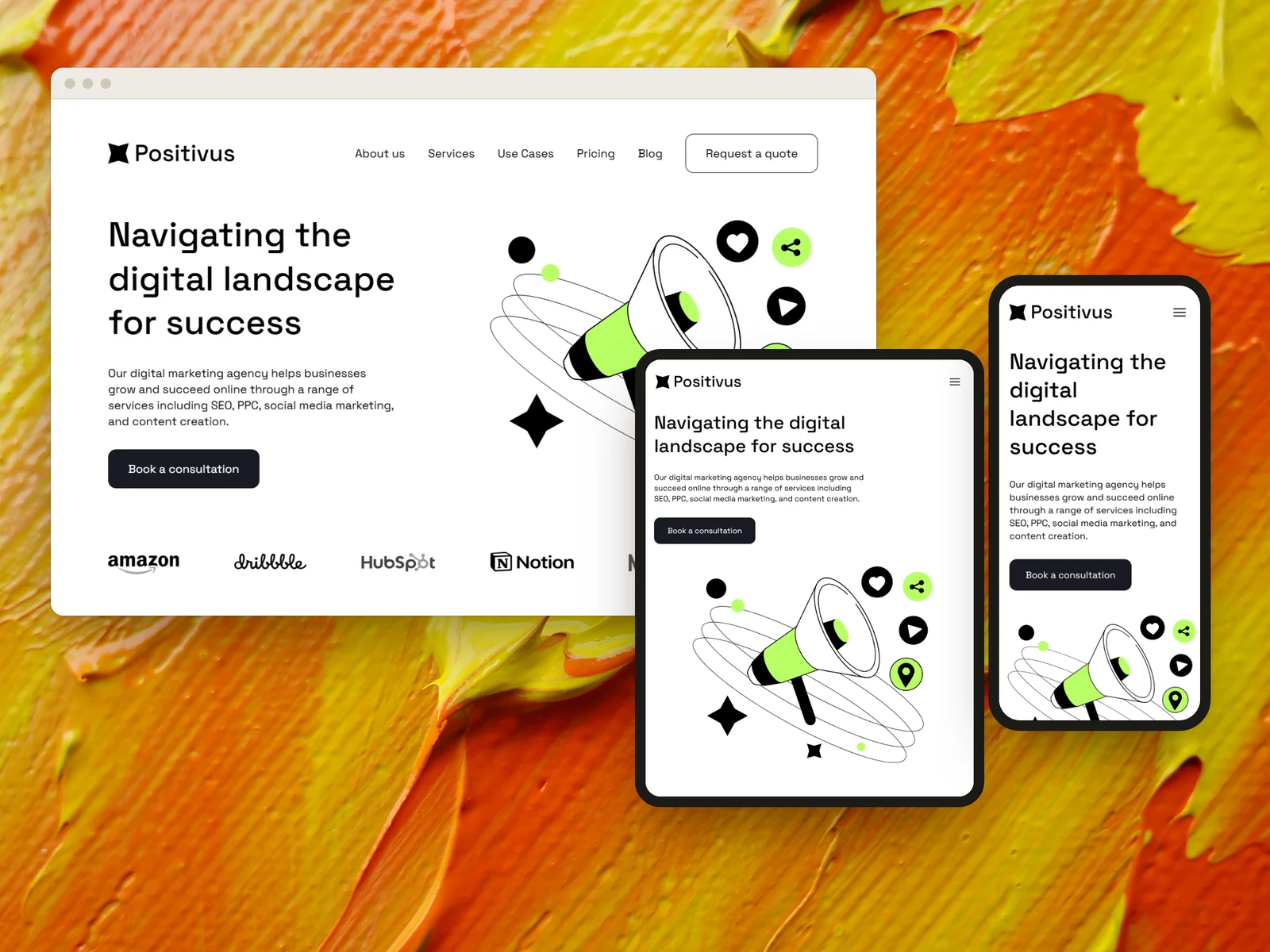
Two frames, one page, one charge. A desktop frame and its matching mobile frame build as a single responsive page.
Most Figma to HTML output is one width wide
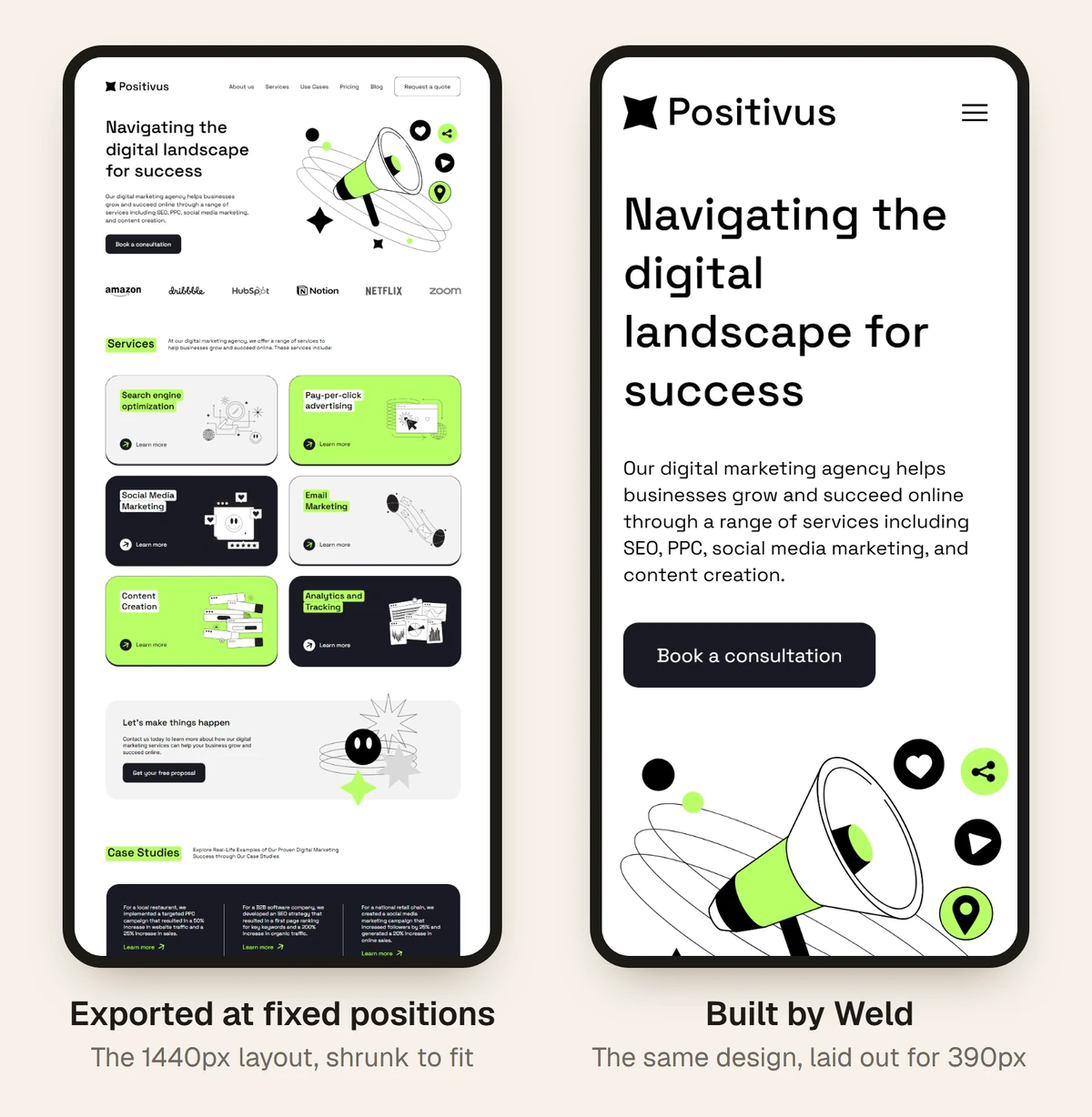
A Figma frame is drawn at one width. Turn it into HTML naively and you get a page that’s right at exactly that width. On a laptop the edges crowd; on a phone the visitor scrolls sideways or pinches to read.
Making it responsive means deciding, for every row, what happens as the screen narrows: which columns stack, which images crop, how big the type gets. Those are design decisions, and the best source for them is your own mobile frame.
- 1
Pick the pair
Choose the desktop frame and the mobile frame drawn for the same page.
- 2
Sections matched
Weld lines up each mobile section with its desktop twin by its words and images, not its position.
- 3
One page built
The phone layout is the base, the desktop layout takes over at the
lg:breakpoint, and the widths between flow from one to the other. - 4
Checked at phone width
Weld reopens the built page at 390px and measures any sideways scroll before you download it.
The same page at three widths
Positivus, a free Figma Community template, built by Weld and screenshotted in Chrome. This design has no mobile frame, so the phone layout here is Weld’s own. With a mobile frame, it follows yours.
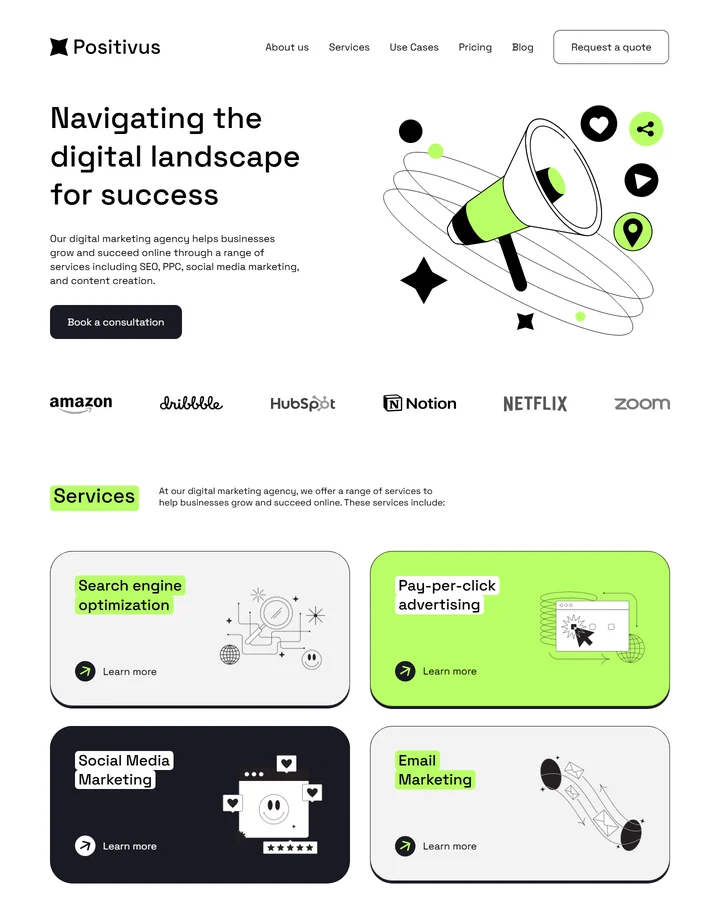
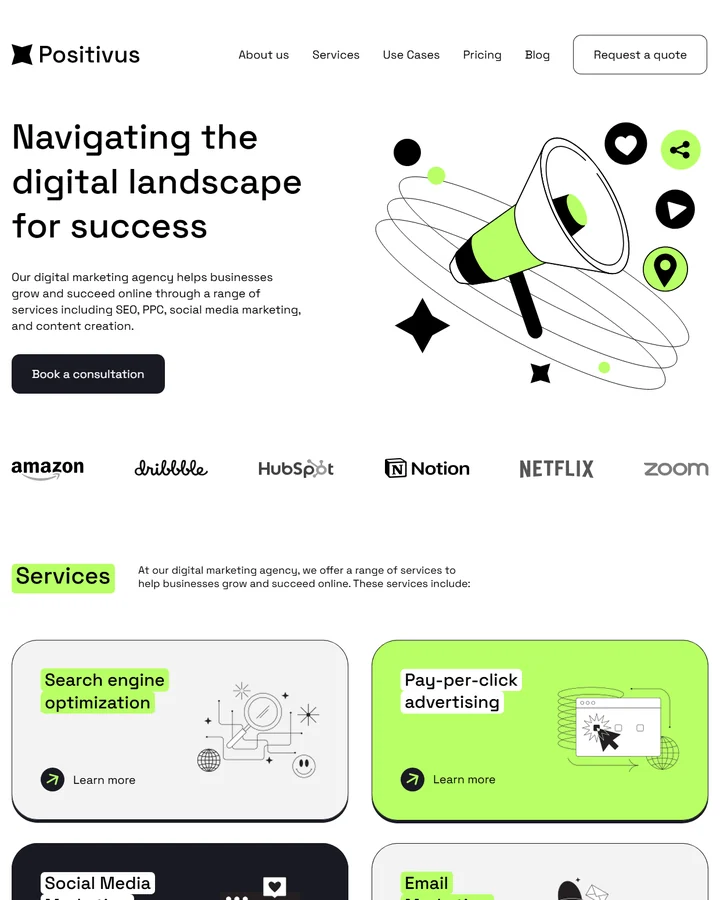

See all six tools we tested at phone width on the comparison page.
No mobile design? It still works on a phone
Plenty of files have only a desktop frame. Weld still builds a responsive page; the phone layout is Weld’s judgement, following rules taken from how designers lay out mobile pages.
Rows stack
Side-by-side columns become one column, in reading order.
Type steps down
Headings shrink along a type scale, so a 60px desktop headline doesn’t wrap one word per line.
Spacing tightens
Padding and gaps shrink for a narrow screen, while the design’s rounded corners and character stay.
Images keep their focus
Photos crop around the same point as the design rather than squashing.
If the phone layout matters, and it usually does, a mobile frame is how you control it. What to draw.
Laptops and tablets too
The widths nobody designs are where hand-built pages usually break: 1240px laptops where fixed widths overflow, and tablets that get a stretched phone layout. Weld’s containers grow and shrink between your two designs instead of snapping.

What to expect
- Weld builds from one desktop and one mobile frame per page. A separate tablet frame isn’t used yet.
- Without a mobile frame the phone layout is inferred. It’s usually sensible, but it isn’t your design.
- Mobile designs that reorder or drop sections are matched as far as their words and images allow.
Questions
What screen widths does the built page support?
All of them. The base layout is your mobile frame, the lg: breakpoint (1024px) switches to your desktop frame, and in between the layout flows from one to the other.
Does a desktop and mobile pair cost more?
No. A desktop frame and its matching mobile frame build as one page, at one page’s price.
Do my mobile and desktop frames need identical layers?
No. Weld matches sections by their words and images, not by layer names or structure, so the two frames can be built differently. Using the same words in the same order is what helps.
What happens to the navigation on a phone?
Weld builds a working menu button and menu for phone widths, styled to match your navigation.
Keep reading
Build your responsive page
Weld is opening its beta soon. Register and we’ll email you once, when it opens. The questions are optional.