
Figma to HTML service
Figma to HTML conversion, in minutes instead of days
What you’d send to a conversion agency, without the brief, the queue or the invoice. Upload the .fig and get the finished page as responsive HTML and Tailwind, priced per page.
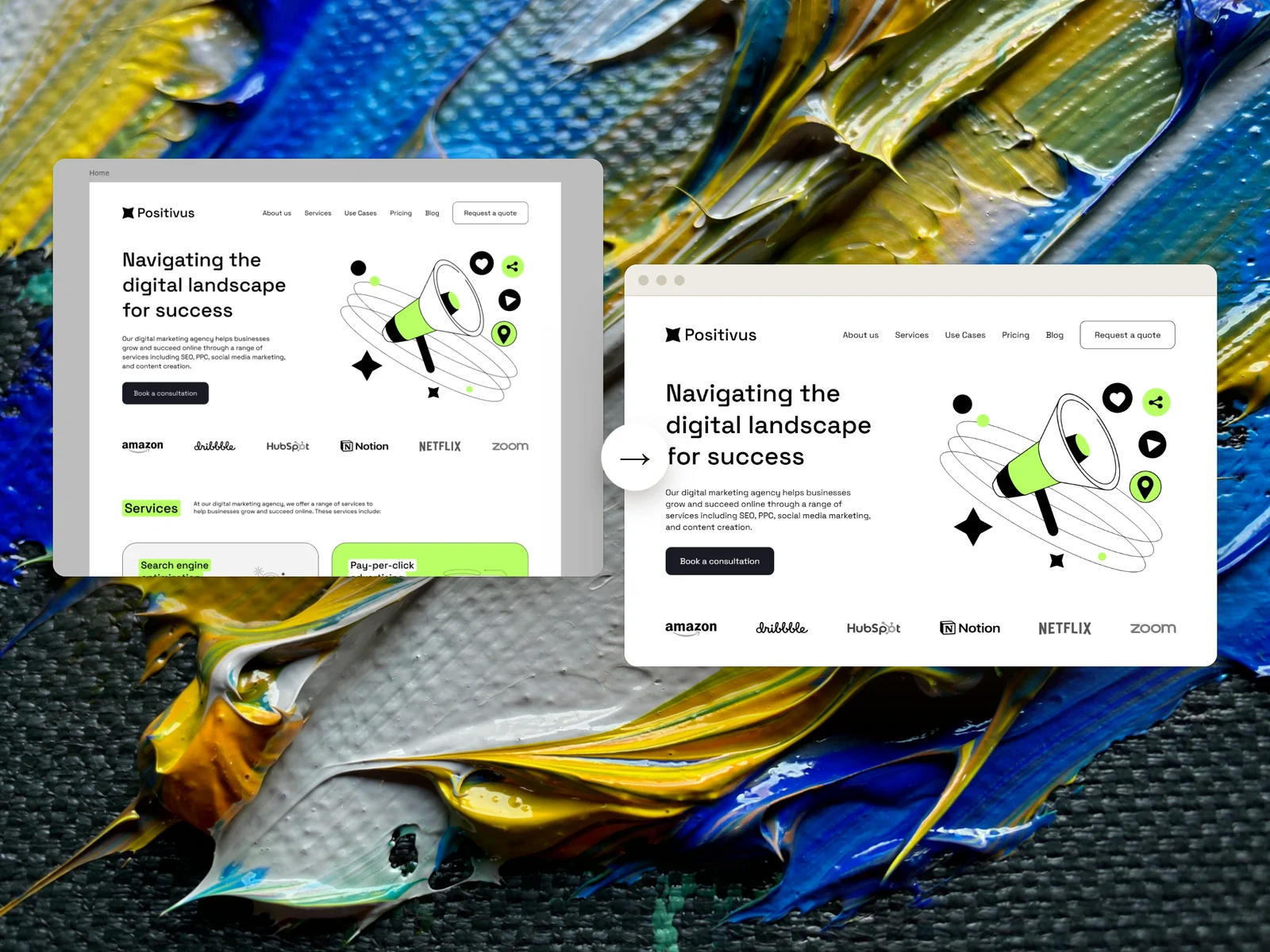
Software, not an agency. Weld builds the page itself, in minutes. There’s no queue, and no project manager.
Same deliverable, different route
| Agency or freelancer | Weld | |
|---|---|---|
| Turnaround | Days, depending on the queue | Minutes per page |
| Pricing | Quoted per page or per project | Per page, shown before you build |
| Mobile layout | Sometimes quoted separately | Included: a desktop and mobile pair is one page |
| Changes | Back and forth by email | Change the Figma file and build again |
| A section that fails to build | Negotiated | Credits refunded automatically |
| Accountability | A person you can call | A measured report on your page |
The last row is a real difference: if you need someone to own the project, hire a person.
The deliverable, not a tool to learn
Responsive HTML and Tailwind
Semantic HTML, real Tailwind utilities and one compiled stylesheet.
Fonts and assets resolved
Fonts matched, images cropped to frame, SVGs exported and named, alt text written.
A report on your page
What Weld measured on the build, so you can check it rather than take it on trust.
- 1
Upload your .fig
Save a local copy from Figma and drop it in. Weld finds the pages and fonts.
- 2
Choose and confirm
Pick the pages, confirm the font matches, and see the exact cost before anything runs.
- 3
Weld builds it
Section by section. Anything that fails is retried, and refunded if it still fails.
- 4
Preview and download
Check every page, then download the zip and hand it over.
Where an agency earns its fee
If the job needs a content management system, custom app logic, integrations, or someone to look after the site after launch, hire a person. Weld builds the page from the design, faithfully and quickly. It doesn’t run a project.
Plenty of agencies would rather not bill hours for the conversion itself, either. Weld can do that part, and leave the work that needs a person to a person.
What to expect
- Weld is software, not a team: there’s no project manager and no custom development.
- It reads a
.figfile, not a Figma link, a PDF or a screenshot. - Well-structured Figma files convert best.
Questions
Is this a person or software?
Software. Weld reads your .fig file and builds the page itself, which is why it takes minutes rather than days.
How fast is it?
Minutes per page from upload to download. Longer pages take longer.
How is it priced?
Per page, with no subscription or seat. Weld shows the exact cost before you build and refunds the credits for anything that fails. See beta pricing.
Can I hand the result to my client?
Yes. The zip is yours: plain files you can hand over, host or edit.
My client only gave me view access to the Figma file. Is that enough?
Yes. Anyone with view access can save a local copy (.fig), and that’s all Weld needs. More on working from a .fig.
Keep reading
Send your next conversion to Weld
Weld is opening its beta soon. Register and we’ll email you once, when it opens. The questions are optional.